System Initialization#
Initialization API#
curl -XPOST http://localhost:9000/setup/_initialize -d'
{
	"name":"UnifySearch",
	"email":"hello@unifysearch.ai",
	"password":"mypassword",
	"llm":{
		  "type":"ollama",
		  "endpoint":"http://xxx",
		  "default_model":"deepseek_r1"
	}
}'
Initialization UI Management#
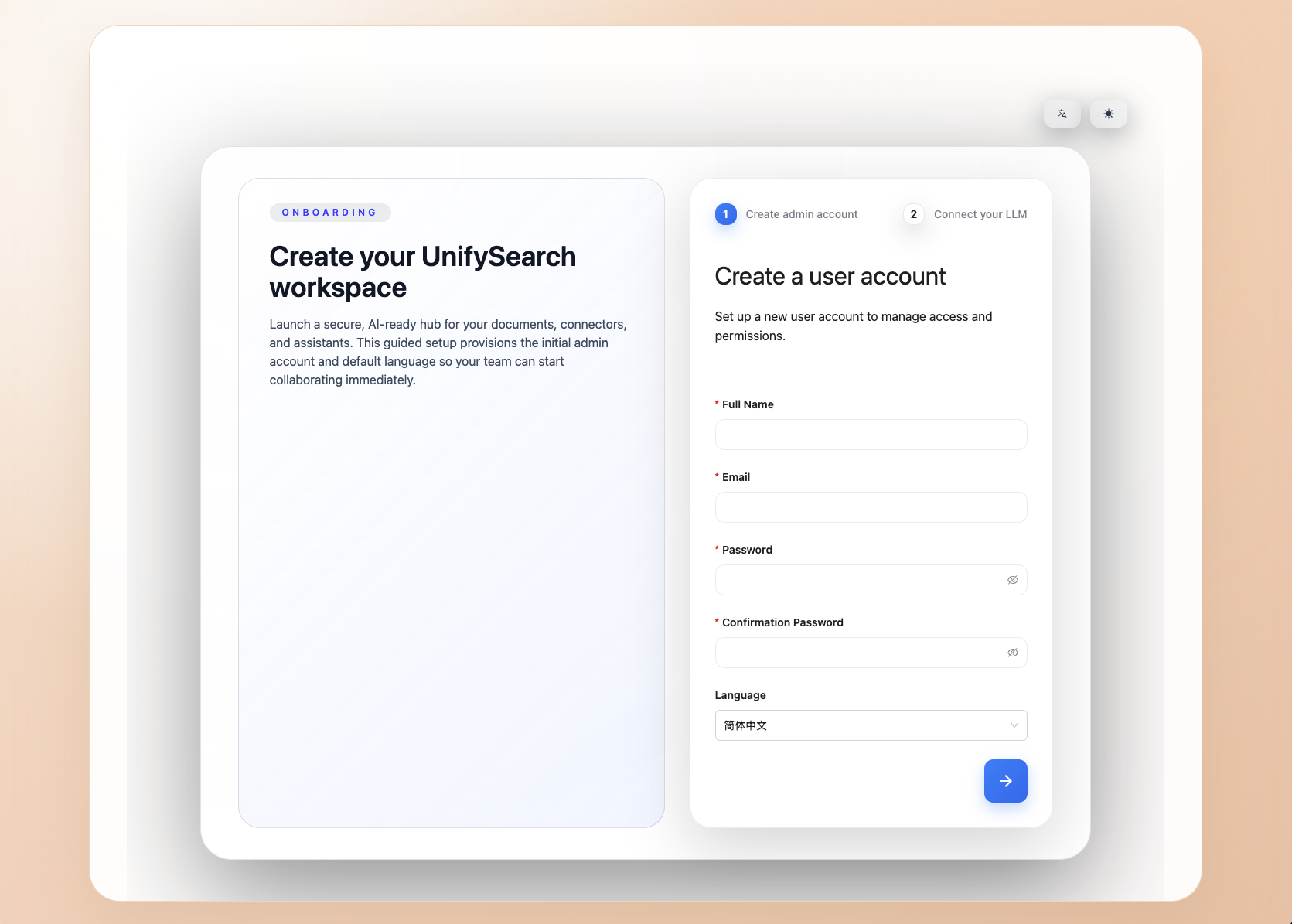
When entering the unifysearch server, it will check whether it has been initialized. If not, it will enter the initialization page.
Create a user account#
Set up a new user account to manage access and permissions.
Connect to a Large Model#
After integrating a large model, you will unlock the AI chat feature, providing intelligent search and an efficient work assistant.
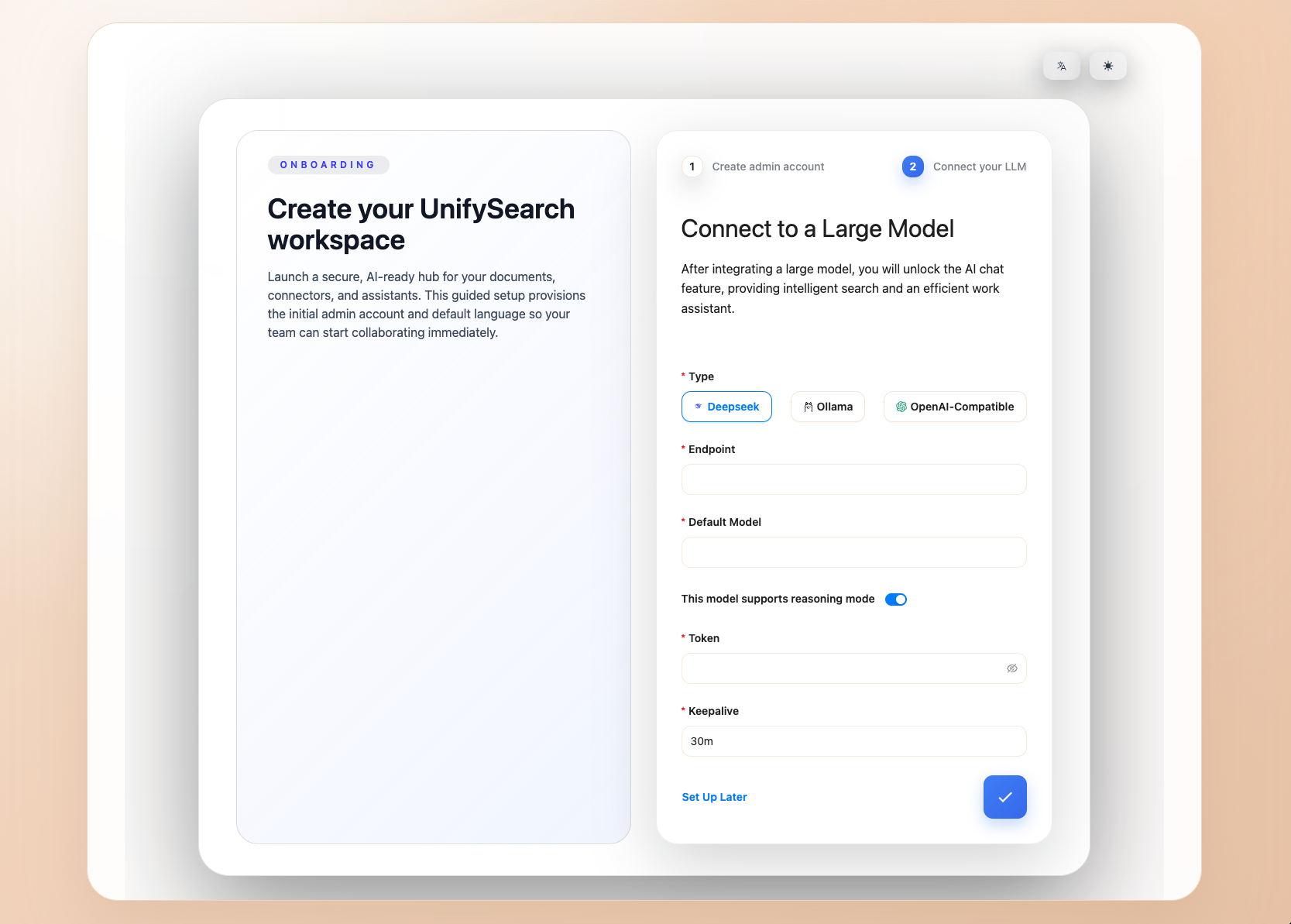
You can also click Set Up Later to skip and configure it later after entering the system.