Setup Wizard#
Open your browser and enter http://localhost:9000/#/guide to access the initialization wizard, as shown below:
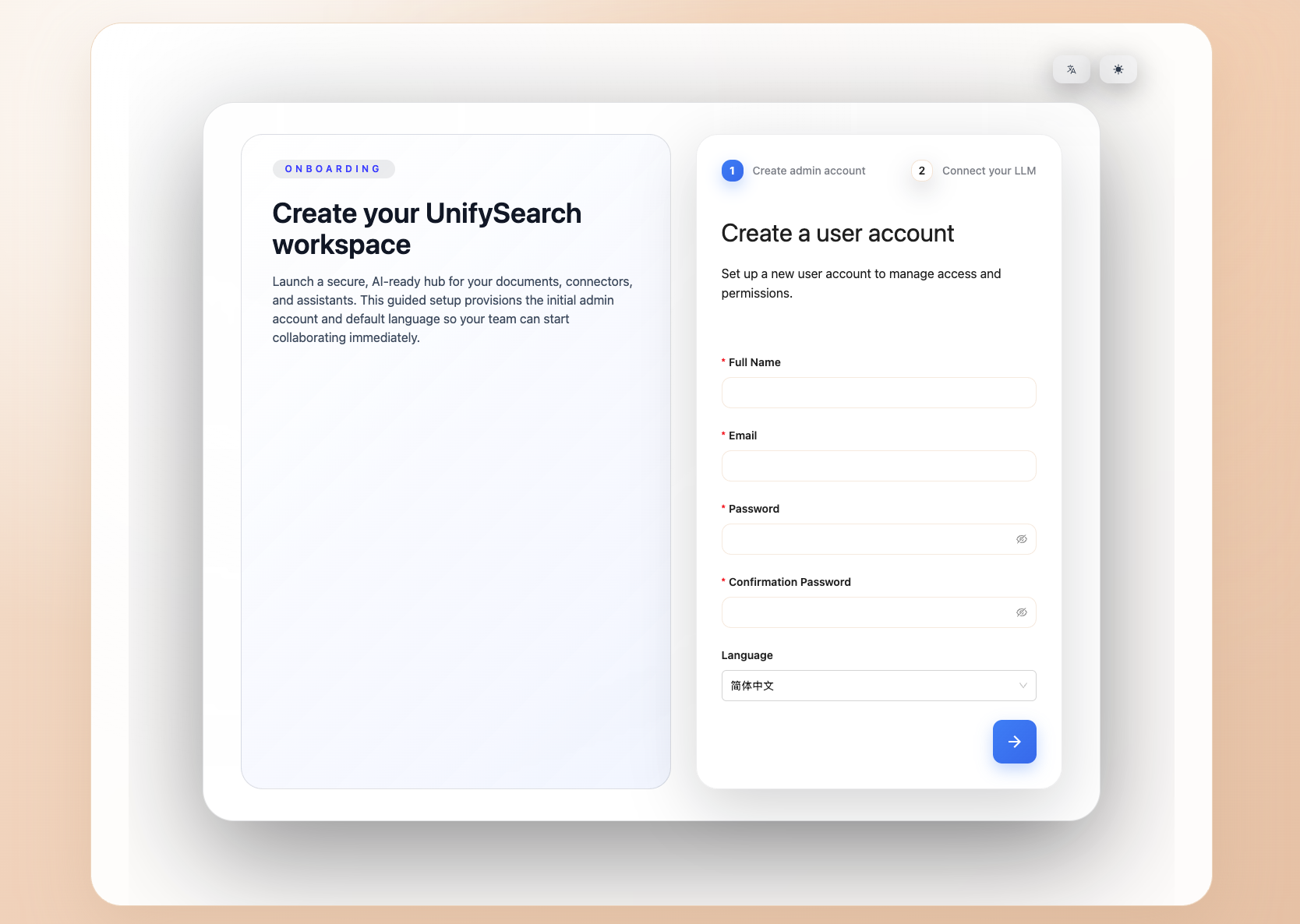
Enter your username, email, and password, then click Next, as shown:
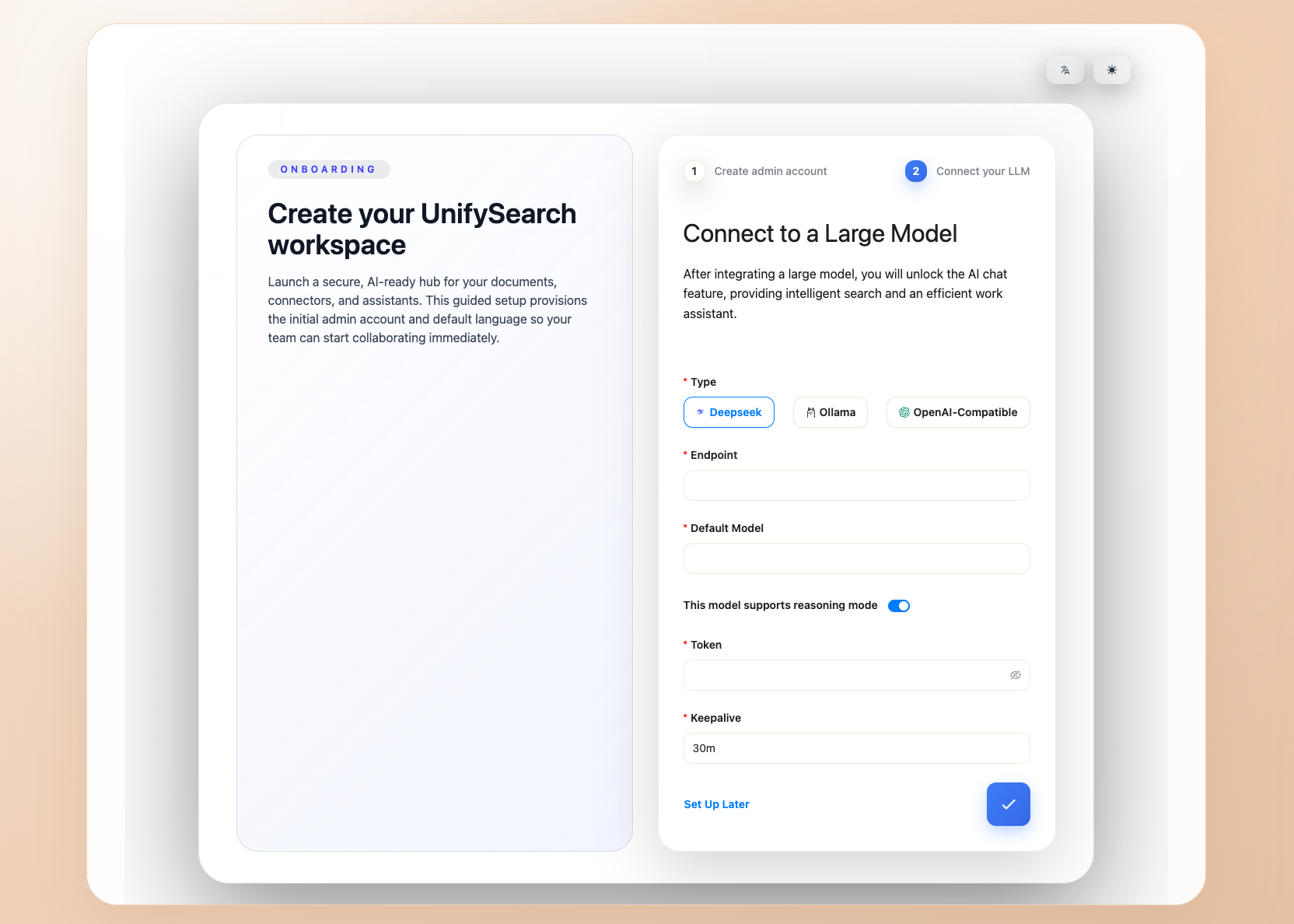
- Select the LLM type: DeepSeek, Ollama, or OpenAI
- Configure the LLM endpoint
- Set the default model
- Enable keepalive and set an appropriate interval
- Provide the token
- Click Next to complete the initialization.
Login#
After initialization, you’ll be redirected to the login page, as shown:
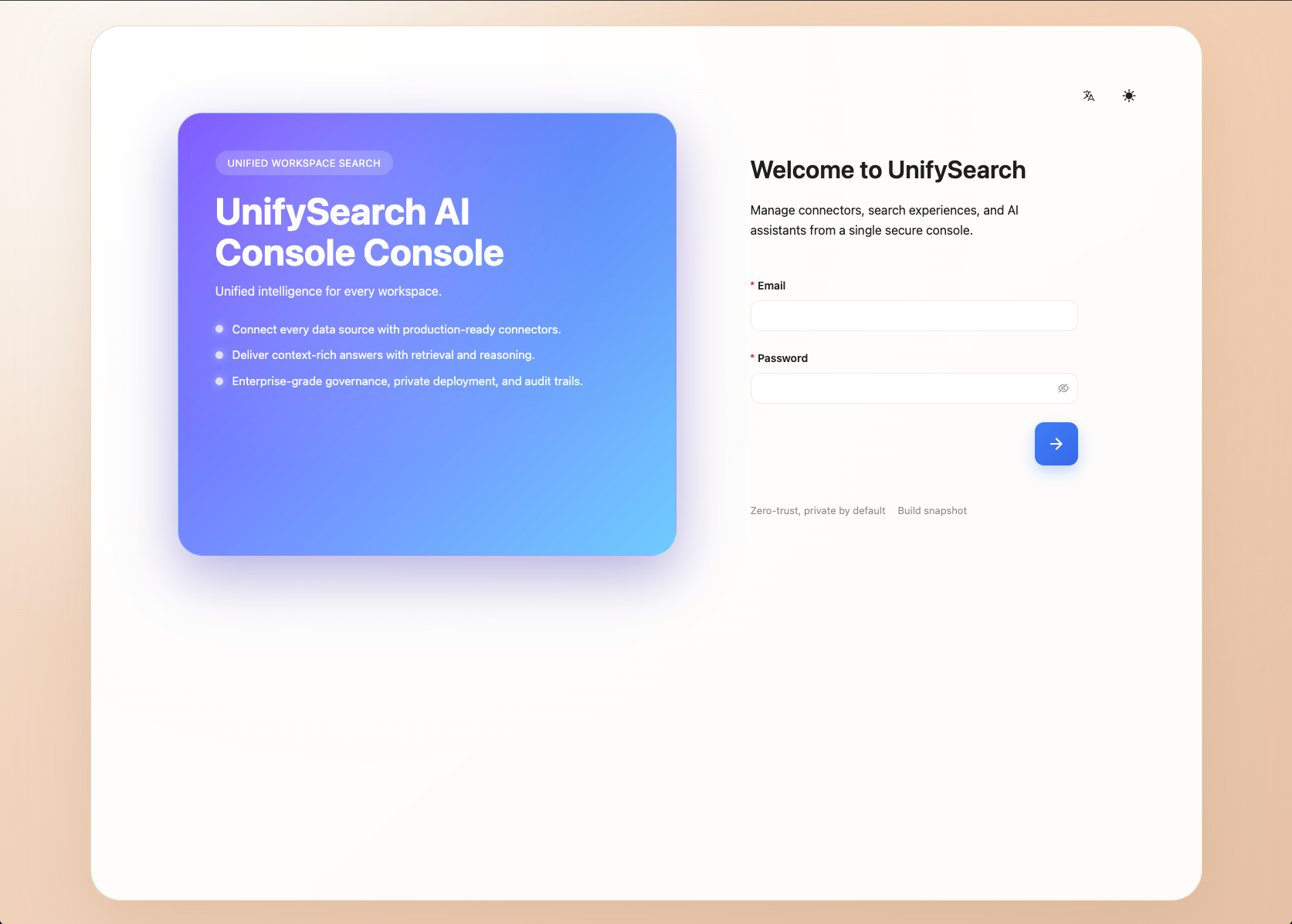
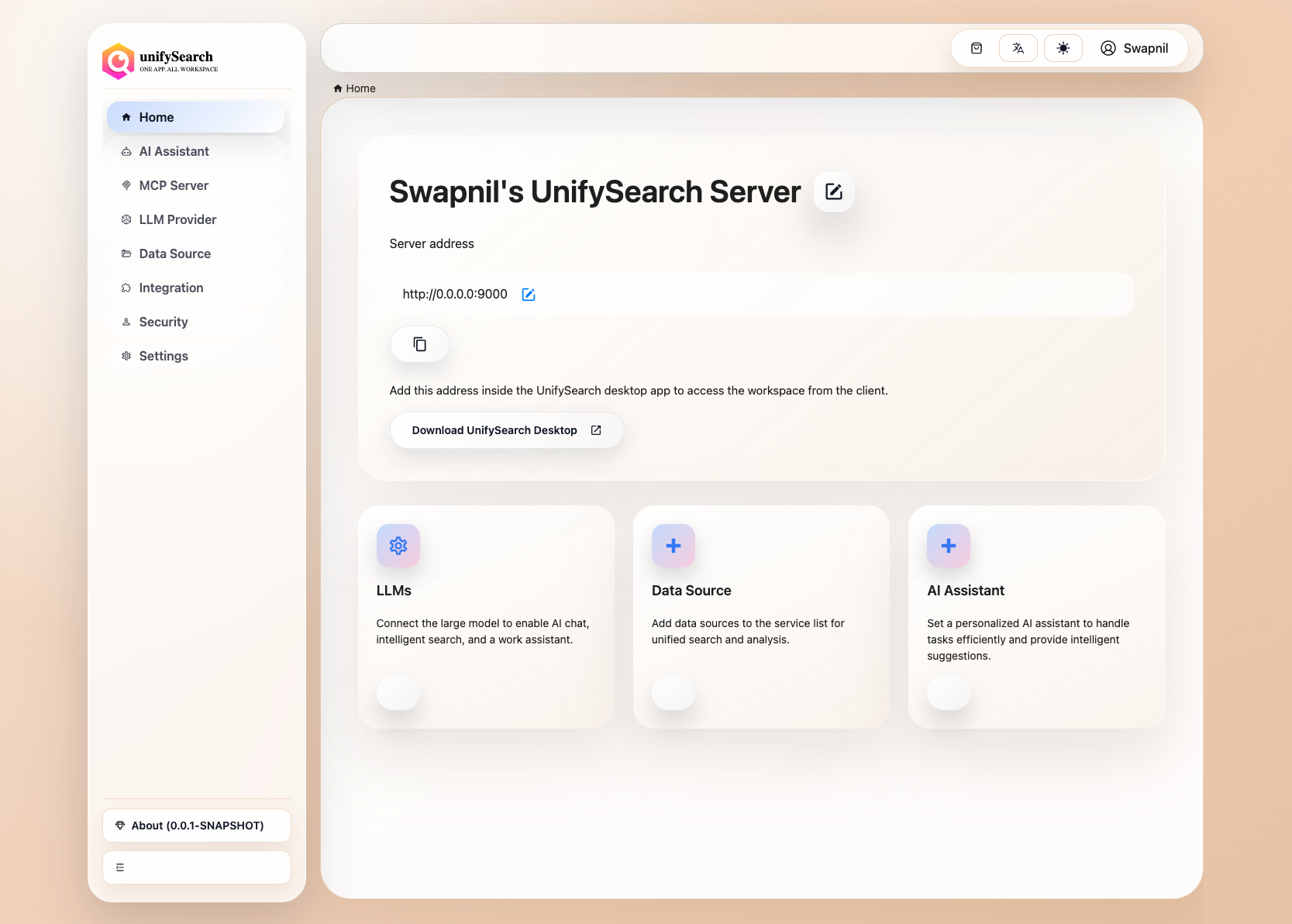
Enter your password and click Login. Upon successful login, you’ll be directed to the homepage:
Settings#
Click Settings in the left-side menu, as shown:
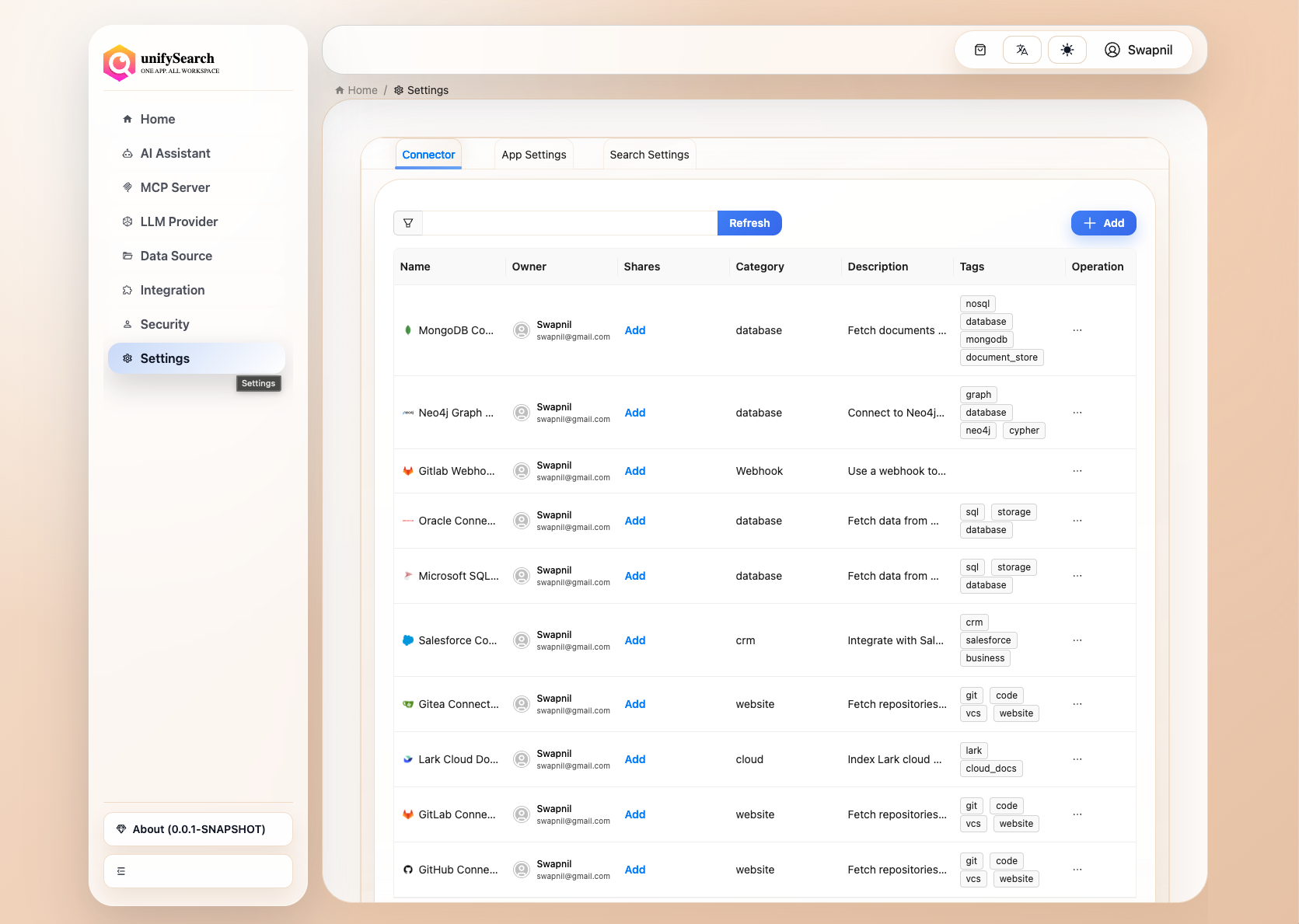
- Configure LLM parameters
- Configure Collector parameters
Datasource#
Click Datasource in the left-side menu:
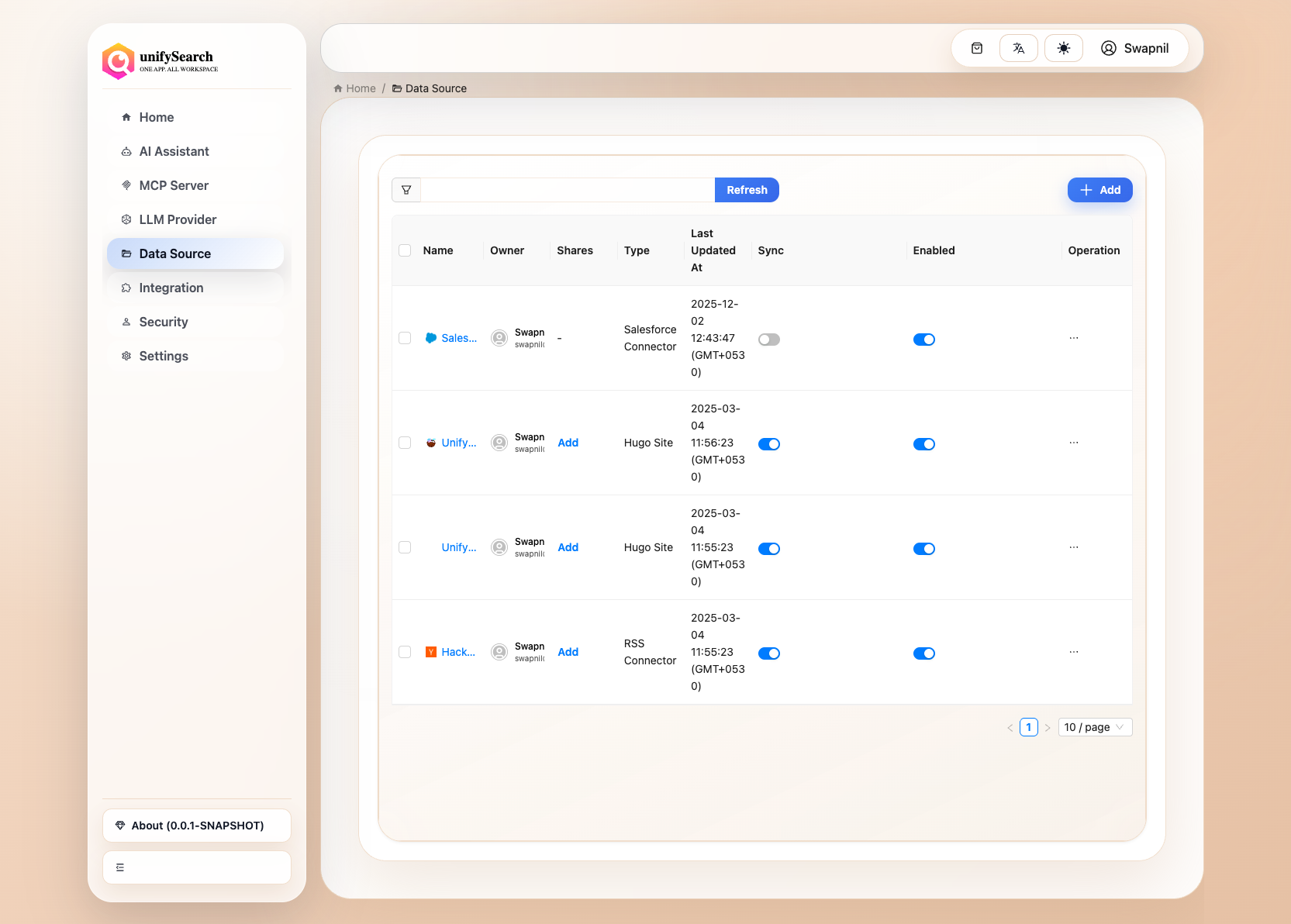
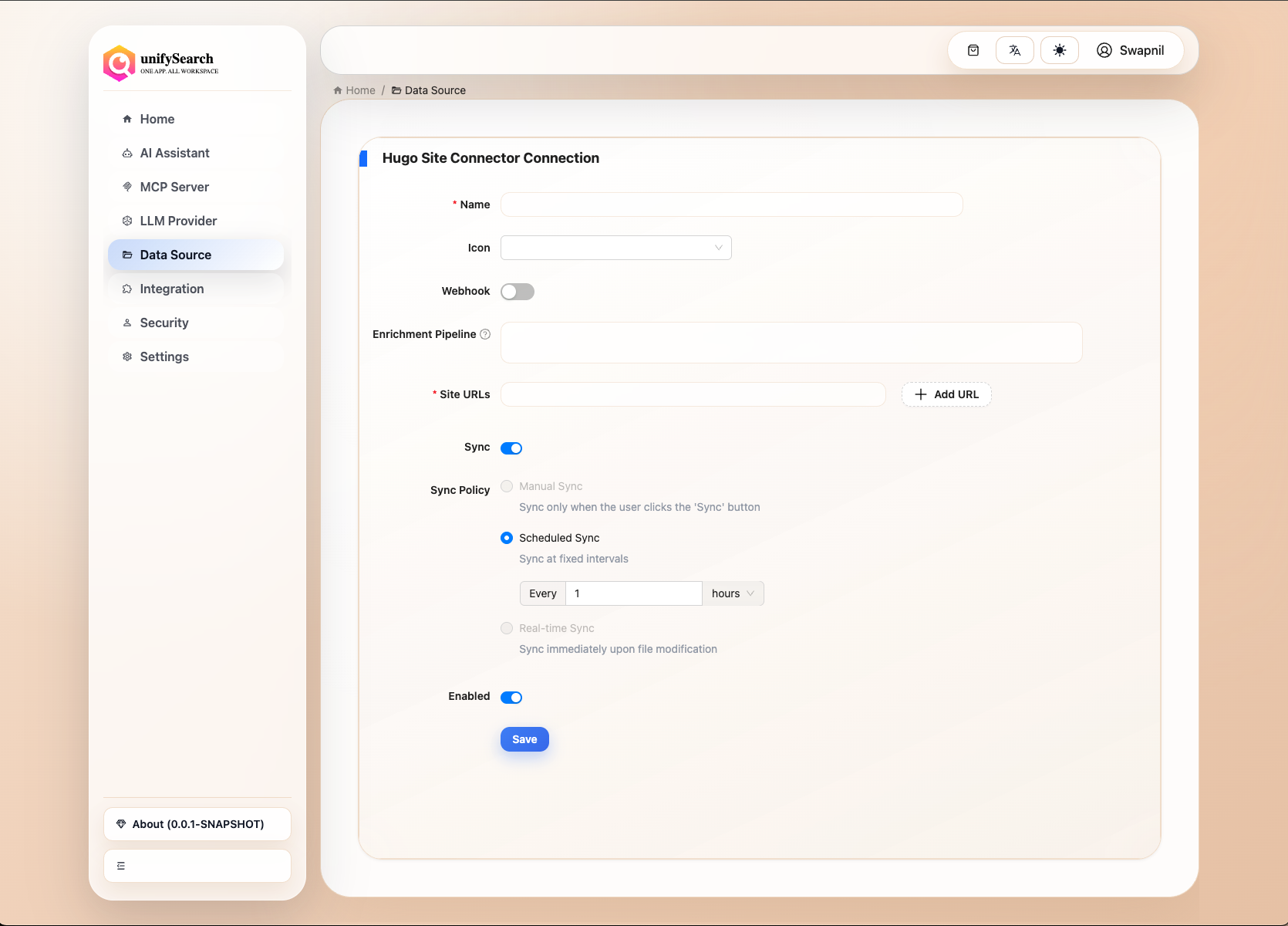
To add a new datasource, click Add button, as shown:
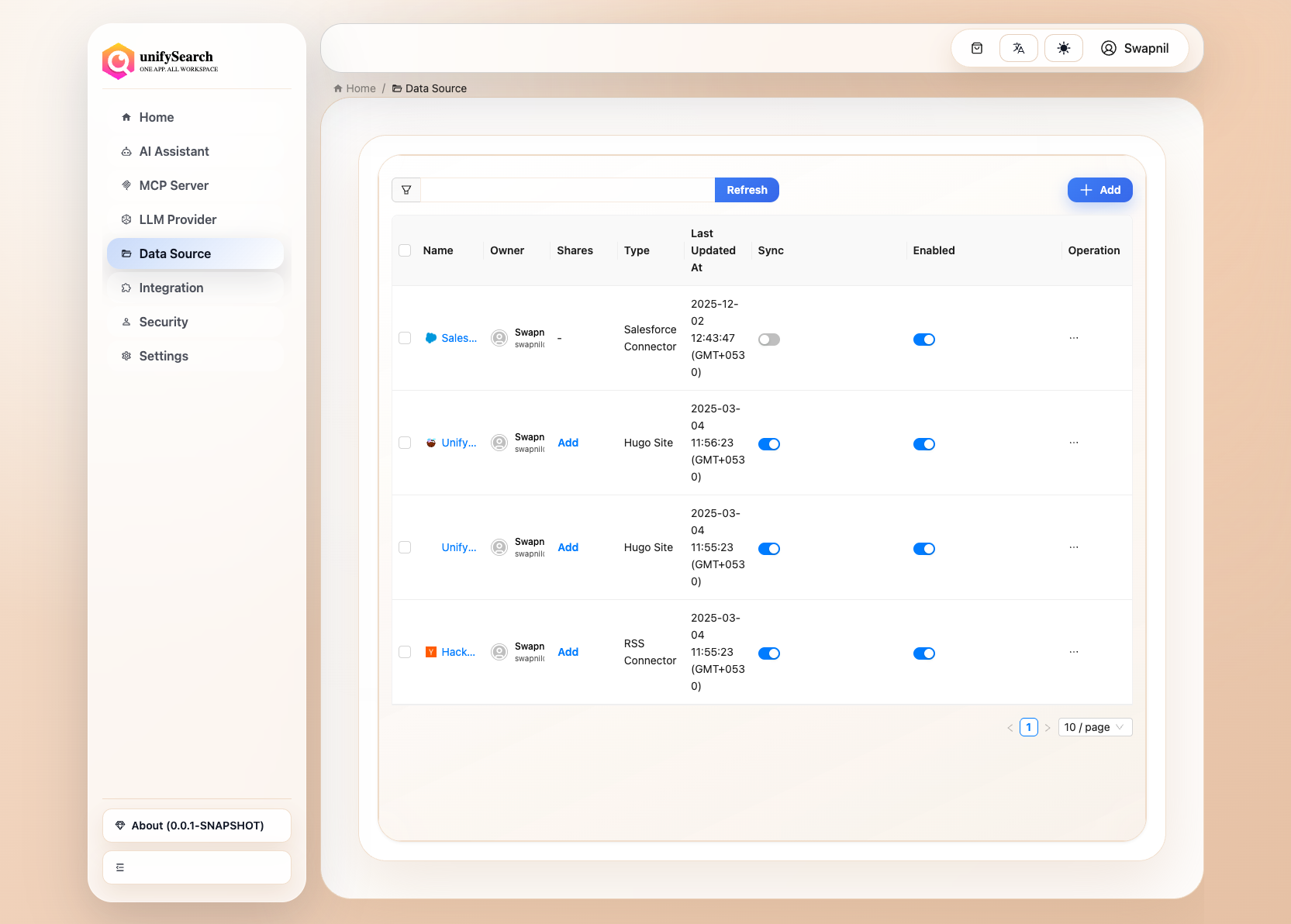
Click on a datasource name in the list to view its details:
 Enjoy~